
To remove rate tables from your website
1) Click on "Web Editor" tab and "Web Editor" subtab.
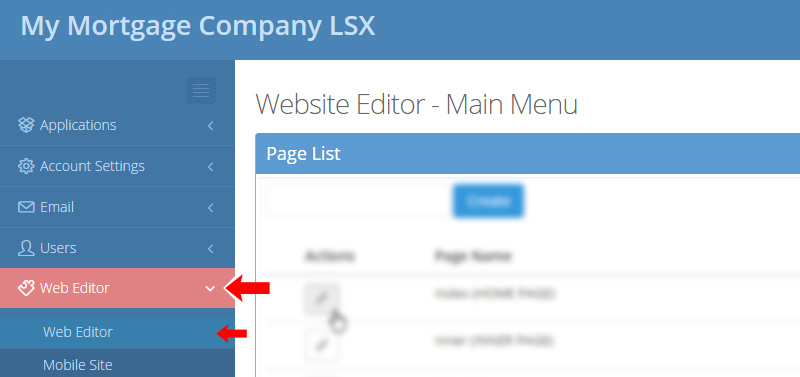
2) Select the page where the rate table is located
NOTE: For this example, we will use the INDEX page which is the home page of your site.

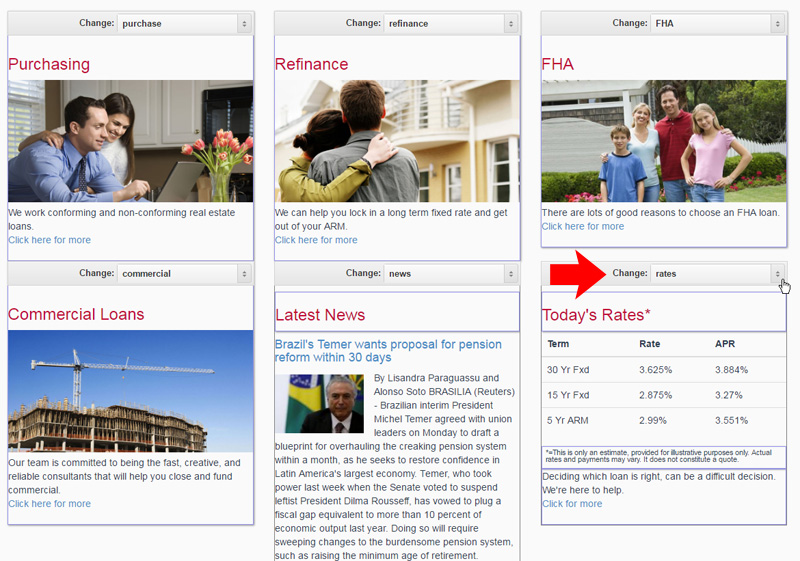
2) Select the widget where the rate table is and click on the dropdown menu on the top
3) Select the widget you wish to replace it with from the dropdown menu
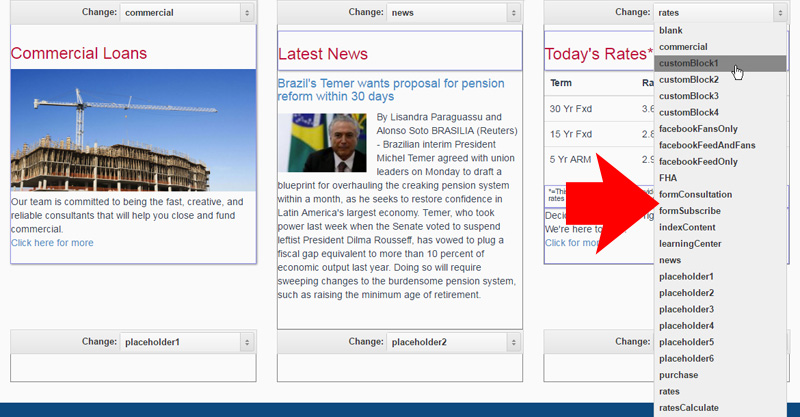
4) When finished click "Save Changes" button below for the change to take effect

Comments
0 comments
Please sign in to leave a comment.