- Log into lsx control panel
- Click on applications
- Click on uploads
- Click on the borrower name or view files to the right of their name
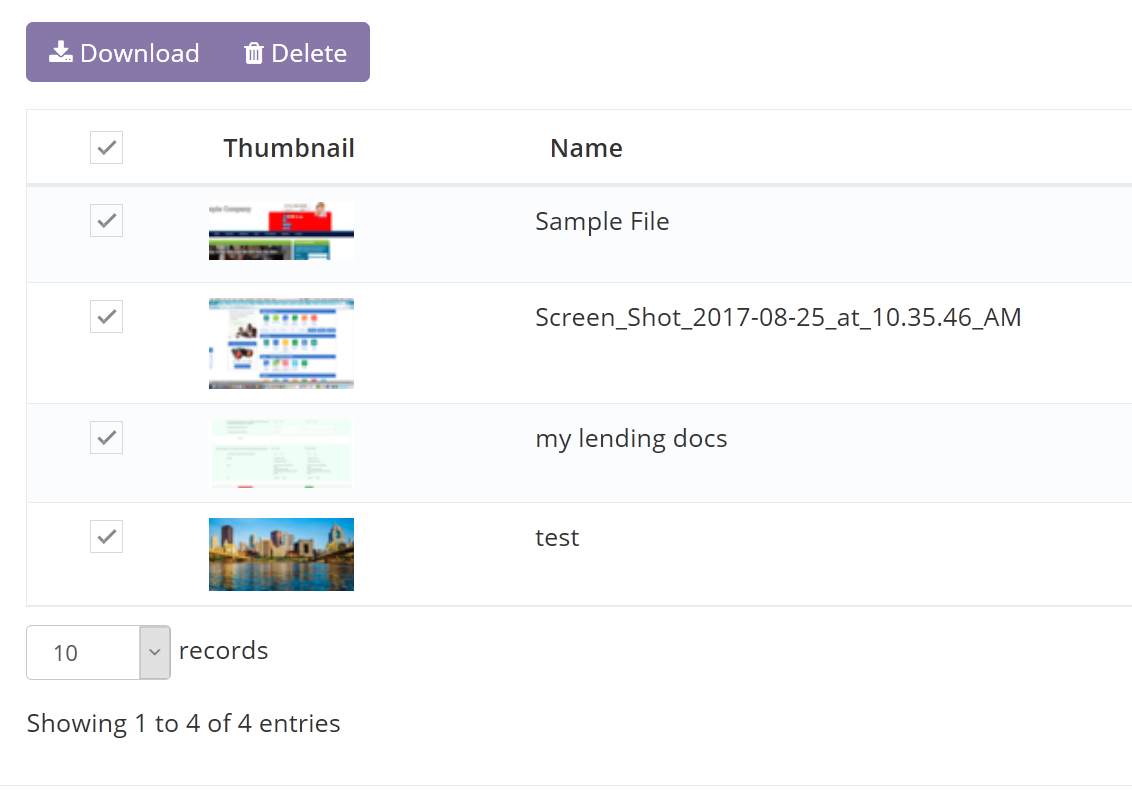
- Check the files you want to download or check the top check box to download all and click download button
Downloading Multiple Files at Once

Comments
0 comments
Please sign in to leave a comment.